


Connect balances, pH meters and other bench instruments to your LIMS
LabOperator reads every result straight from the instrument into a guided workflow and sends it to your LIMS, ELN or SAP QM. Nobody types a value, and your LIMS stays the system of record.
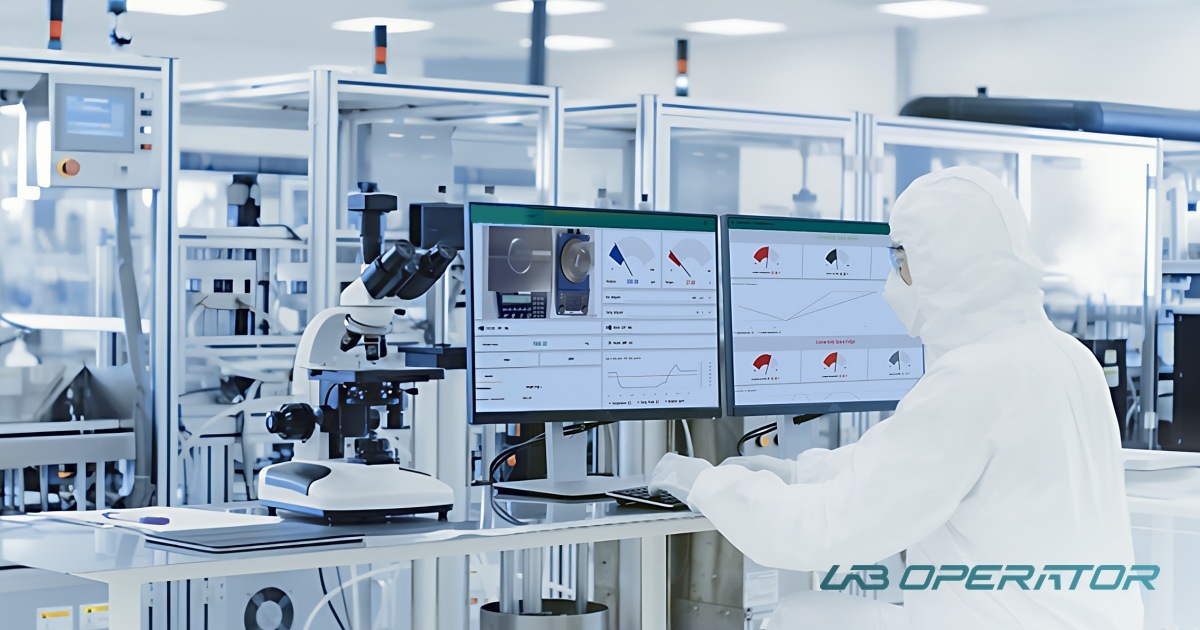
The last mile between instrument and LIMS is still manual
Your LIMS defines what has to be measured. The reading itself often still travels by hand, and every hand-off is a chance for error. A Lab Execution System closes this gap.
Readings typed from the display
Weights and pH values are copied onto paper or into a spreadsheet, then entered again in the LIMS.
Printouts to file and second-check
Strip printers create evidence that someone has to file, scan and verify during review.
Results reach the LIMS late
Batch entry at the end of a shift delays release decisions and hides out-of-specification values until it is too late to react.
From instrument to LIMS in three steps
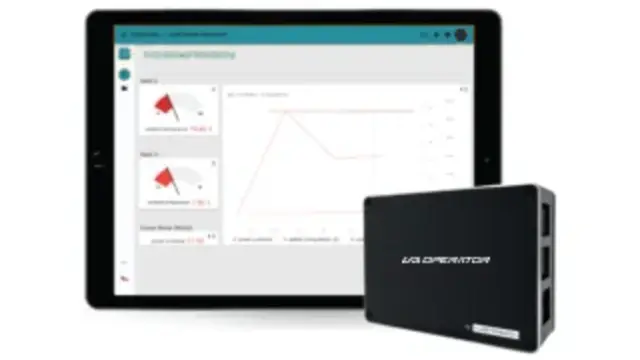
Connect the instrument
A dedicated driver talks to the device over its serial (RS-232) or network (TCP) interface, or through SiLA 2 and OPC UA (LADS). No vendor middleware per instrument.
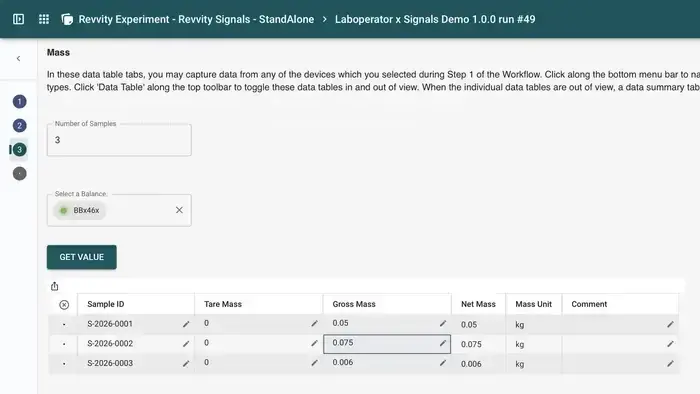
Capture it in the workflow
A guided step takes the tare, weight or pH value directly from the device, checks it against the specification and records who did what, and when.

Send it to your system
Structured results go to your LIMS, ELN or SAP QM through the REST API, with the audit trail and e-signatures attached.


The instruments your lab uses every day


Not on the list? LabOperator connects any instrument with a stable interface. Ask about your device.
Instrument data that arrives on its own
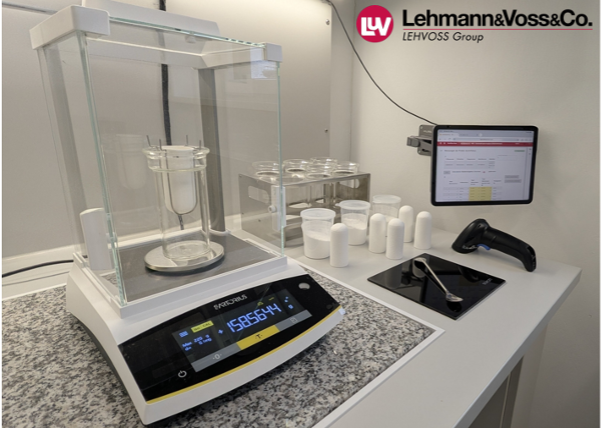
LEHVOSS: balances to SAP QM
Gravimetric QC tests run as guided workflows. Weights are read from the balance and results return to SAP QM automatically.
Read the case study →Freezers and fridges monitored 24/7
Temperatures are captured automatically around the clock instead of on paper forms on the freezer door, and staff are alerted by in-app notification or email when a unit leaves its range.
Read the case study →Connecting instruments to a LIMS
How do I connect a laboratory balance to my LIMS?
Connect the balance to LabOperator over its serial or network interface. A guided workflow step reads the weight directly, checks it against the specification and sends the result to the LIMS through the API, so nobody types the value.
Which interfaces and standards are supported?
Dedicated drivers over serial (RS-232) and network (TCP) interfaces, plus SiLA 2 and OPC UA (LADS). On the system side, LabOperator exchanges data through a documented REST API (OpenAPI).
What if my instrument is not in the device portfolio?
LabOperator can connect any equipment with a stable interface. The modular driver approach keeps the cost of a new integration low, and our professional services team builds new drivers.
Does automatic capture support GMP and 21 CFR Part 11?
Every reading is stored with its context in a full audit trail, and workflow steps can require e-signatures and reviews. See 21 CFR Part 11 workflows.
Learn more about connected lab workflows
Send us your instrument list
We will tell you which devices LabOperator connects today and what a first pilot with your LIMS could look like.